
UV unwrapping complex organic geometry—such as procedurally generated voxel terrain, sprawling cave networks, jagged rock formations, or architectural concrete scans—is one of the most labor-intensive tasks in 3D production. Traditional UV mapping on non-uniform organic meshes introduces severe stretching along vertical cliffs, awkward seams along curved tunnels, and noticeable texture distortion across irregular polyhedra.
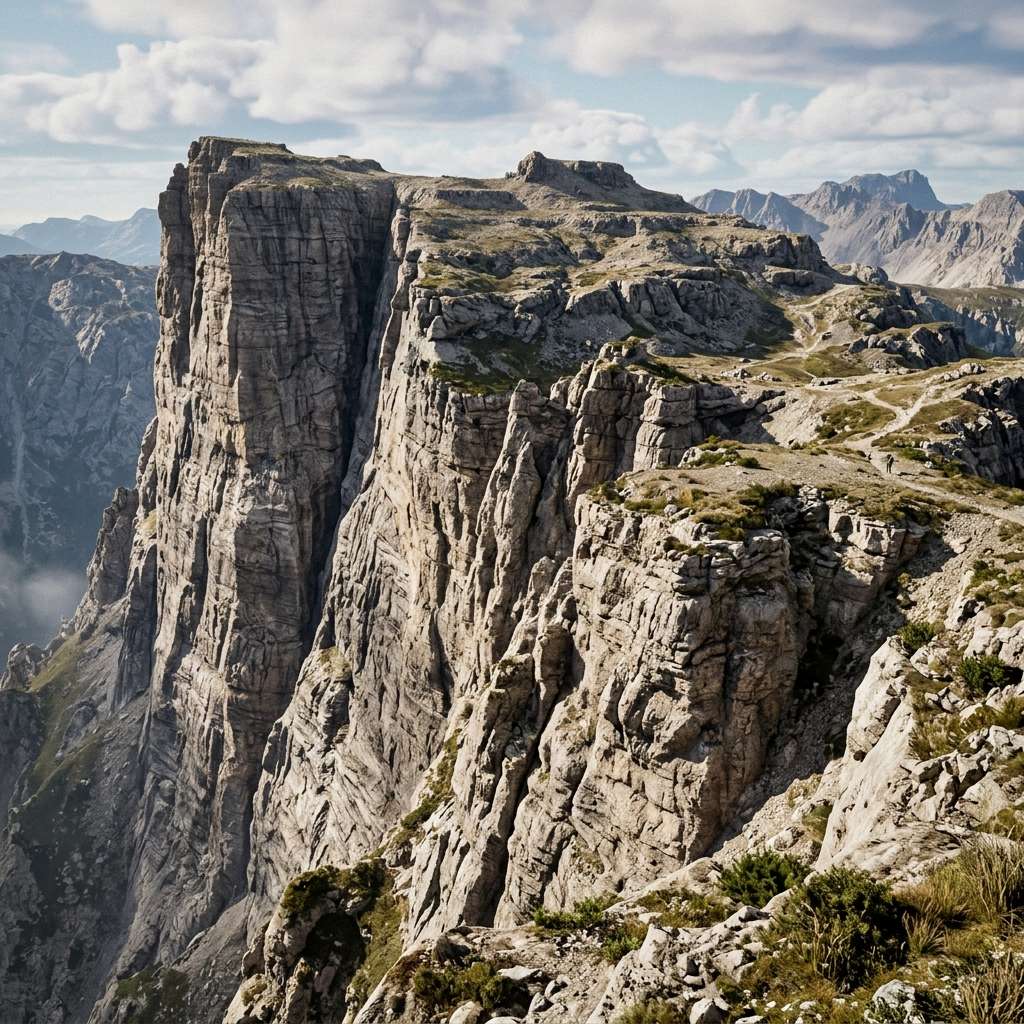
Triplanar mapping eliminates the need for manual UV coordinates entirely. Instead of wrapping a 2D image around a 3D model like gift wrap, a triplanar shader projects the texture simultaneously from three orthogonal world axes ($X, Y,$ and $Z$), blending the projections across surface angles using vertex normal weights. However, while triplanar mapping for flat diffuse albedo textures is simple, triplanar normal mapping requires converting tangent-space normals into world space across each projected plane. This tutorial explains the mathematics, shader graphs, and performance optimization techniques for seamless triplanar normal mapping.
Mathematical Architecture: How Triplanar Normal Mapping Works
Understanding the projection and blending pipeline clarifies why triplanar normal mapping requires careful coordinate swizzling:
[Mesh World Space Coordinates (X, Y, Z)]
                       │
       ┌───────────────┼───────────────┐
       ▼               ▼               ▼
[Projection Along X] [Projection Along Y] [Projection Along Z]
UV = (pos.z, pos.y)  UV = (pos.x, pos.z)  UV = (pos.x, pos.y)
Sample Normal X      Sample Normal Y      Sample Normal Z
       │               │               │
       └───────────────┼───────────────┘
                       ▼
[Calculate Blend Weights based on World Normal N]
Weights = pow(abs(N), BlendSharpness)
NormalizedWeights = Weights / (Weights.x + Weights.y + Weights.z)
                       ▼
[Swizzle & Reorient Normals into World Space Before Blending]
FinalNormal = normalize(NormX * Weights.x + NormY * Weights.y + NormZ * Weights.z)
Because tangent-space normal maps assume the surface normal points along the local $Z$ axis (RGB: 128, 128, 255), projecting them along the world $X$ or $Y$ plane requires swizzling the vector components so that the “flat” periwinkle baseline aligns with that specific world axis. Blending raw tangent normals directly without reorientation causes surface lighting to conflict violently with world light sources.
Try generating this material directly with our AI Seamless Texture Generator.
Technical Comparison: UV Unwrapping vs Triplanar Mapping
Deciding between traditional UV unwrapping and procedural triplanar mapping:
| Technical Feature | Traditional Manual UV Unwrapping | Triplanar Shader Mapping |
|---|---|---|
| Setup Labor & Time | Hours to days of manual seam cutting and packing | Zero setup (Works immediately on any 3D mesh) |
| Suitability for Procedural Terrain | Poor (Voxel terrain cannot be pre-unwrapped) | Perfect (Adapts dynamically to runtime changes) |
| UV Seam Artifacts | Hard seam lines visible at texture boundaries | Completely seam-free via blended transitions |
| Texture Stretching on Cliffs | Severe stretching on near-vertical polygons | Uniform pixel density across all slopes |
| GPU Texture Sampling Cost | 1 texture sample per channel | 3 texture samples per channel (Tripled texture fetches) |
| Unique Baked Details (Logos/Decals) | Supported (Unique texture locations) | Unsupported (Tileable repeating patterns only) |
Step-by-Step Tutorial: Implementing Triplanar Normal Shaders
Follow this implementation formula in Unity Shader Graph, Unreal Engine Material Editor, or GLSL/HLSL:
- Obtain High-Quality Tileable Normal Textures: Triplanar mapping repeats patterns across large world spaces; ensure your normal map is 100% seamless. You can generate tileable textures using our seamless normal map tool.
- Calculate Orthogonal UV Projections:
- For the X-Plane (sides facing East/West):
UV_X = WorldPosition.zy * TextureScale. - For the Y-Plane (top/bottom surfaces):
UV_Y = WorldPosition.xz * TextureScale. - For the Z-Plane (surfaces facing North/South):
UV_Z = WorldPosition.xy * TextureScale.
- For the X-Plane (sides facing East/West):
- Compute Blend Weights:
- Take the absolute value of the mesh world normal:
absNormal = abs(WorldNormal). - Raise to an exponent (typically
4.0to8.0) to sharpen transitions and prevent muddy overlap:weights = pow(absNormal, 4.0). - Normalize the weights so they sum to $1.0$:
weights /= (weights.x + weights.y + weights.z).
- Take the absolute value of the mesh world normal:
- Reorient Normal Channels into World Coordinates:
- Swizzle the tangent normals to align with their respective world projection axes:
- WorldNormal_X =
vec3(NormalMap_X.z, NormalMap_X.y, NormalMap_X.x) * sign(WorldNormal.x) - WorldNormal_Y =
vec3(NormalMap_Y.x, NormalMap_Y.z, NormalMap_Y.y) * sign(WorldNormal.y) - WorldNormal_Z =
vec3(NormalMap_Z.x, NormalMap_Z.y, NormalMap_Z.z) * sign(WorldNormal.z)
- WorldNormal_X =
- Swizzle the tangent normals to align with their respective world projection axes:
- Weighted Blend and Output:
- Multiply each reoriented world normal by its corresponding blend weight:
FinalWorldNormal = normalize(WorldNormal_X * weights.x + WorldNormal_Y * weights.y + WorldNormal_Z * weights.z). - Pass the combined vector into your shader’s World Normal input.
- Multiply each reoriented world normal by its corresponding blend weight:
4 Frequent Triplanar Normal Shading Mistakes and Fixes
Eliminate these common bugs in triplanar shaders:
1. Muddy, Washed-Out Transitions on $45^\circ$ Slopes
- Cause: Using linear blend weights ($N^1$) causes a wide, blurry transition zone where all three projections overlap with low contrast.
- Fix: Elevate blend weights to a power of
4.0or8.0(pow(abs(normal), 8.0)). This creates a crisp, tight transition zone.
2. Inverted Shading on Negative Axes (West and South Faces)
- Cause: Projecting along negative axes ($-X$ or $-Z$) reverses horizontal tangent vectors, making shadows render backward.
- Fix: Multiply the projected normal’s horizontal component by
sign(WorldNormal.axis)to ensure vectors remain consistent on both positive and negative faces.
3. “Swimming Textures” on Animated Meshes
- Cause: Using raw World Position on a skinned character causes textures to slide through the mesh as the character walks.
- Fix: For deforming animated models, use Object Space Position instead of World Position so projections move with the local bones.
4. Excessive Texture Fetching Stalling GPU Bandwidth
- Cause: Triplanar shaders sample every texture three times (Albedo x3, Normal x3, Roughness x3 = 9 texture reads).
- Fix: Pack Roughness, Metallic, and Ambient Occlusion into a single packed texture, or use stochastic bi-planar mapping to drop from 3 projections down to 2.
Ready to Generate PBR Normal Maps?
Skip manual baking and transform your 2D images into tangent-space PBR textures in seconds:
- Launch with Preset Prompt: Generate Seamless Material Now
Related reading:
Frequently Asked Questions
Why can’t I just blend tangent normal maps directly in triplanar shaders?
Tangent-space normal maps encode vectors relative to a surface pointing upward along the local $Z$ axis. If you project a tangent normal onto a vertical wall facing world $X$ without rotating its coordinate frame into world space, your lighting calculations will be completely misaligned with the sun.
Can triplanar mapping be used on complex 3D characters?
While technically possible, triplanar mapping is rarely used on rigged characters because textures slide across meshes during limb deformation. Triplanar mapping is predominantly used for static environment props: cliffs, boulders, terrain voxels, and concrete walls.
How much heavier is a triplanar shader than standard UV shading?
A triplanar shader requires three times as many texture sampling instructions as a standard material (3 samples per texture channel instead of 1). On modern desktop GPUs this overhead is minor, but on mobile devices it should be used judiciously on key terrain assets.
What is Bi-planar mapping and how does it compare to Triplanar?
Bi-planar mapping is an optimization that calculates which of the three projection axes has the lowest blend weight and discards it entirely, only sampling the two most dominant axes. This reduces texture reads from 3 down to 2, saving 33% GPU bandwidth.
Do I need special normal maps for triplanar shading?
No. Standard tangent-space normal maps function seamlessly in triplanar shaders, provided the textures are tileable and seamless. You can generate tileable normal maps directly using our online normal map generator.