
Creating animated water in real-time game engines is notoriously deceptive. While a flat, calm lake requires only a gently undulating normal texture with subtle Fresnel reflection, a cascading vertical waterfall presents a violent mix of chaotic turbulence, high-speed directional flow, aerated white water foam, and optical refraction. Simply sliding a single normal map downward across a curved cylinder mesh creates an artificial, mechanical conveyor-belt effect that instantly breaks player immersion.
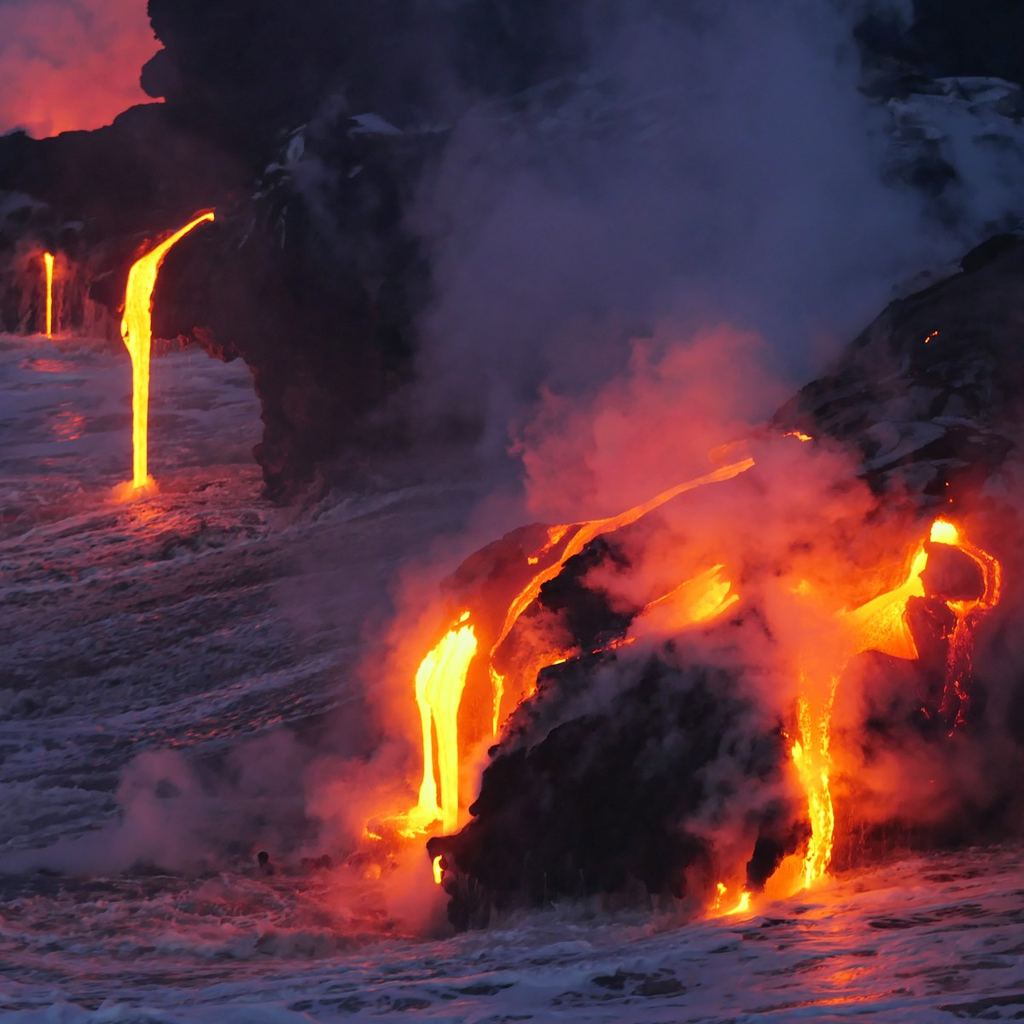
Convincing waterfall shading requires combining dual panning normal maps at non-harmonized speeds with directional flow maps and edge foam masks.
To capture the physical weight and rushing spray of falling water in Unreal Engine, Unity, or Blender, technical artists combine specialized normal maps with procedural UV manipulation and depth-based opacity masks. Below is the production workflow for creating and shading realistic waterfall normal maps for real-time environments.
The Triple-Layer Waterfall Shading Architecture
To eliminate the repetitive sliding look of a single panning texture, real-time waterfall shaders layer multiple animated vector inputs:
[Waterfall Shader Vector and Shading Graph]
(Base Flow Normal Map)     ──[UV Panner: Speed (0.0, -1.2)] ──┐
                                                              ├──> [Reoriented Normal Blend] ──> [Refraction / Specular]
(Detail Ripple Normal Map) ──[UV Panner: Speed (0.05, -1.8)] ──┤
                                                              │
(2D RG Flow Map Vector) ──[Directional Vector Offset] ─────┘- Base Flow Normal Layer (Primary Torrent): A directional, vertically stretched normal map containing deep fluid channels, heavy water cords, and thick falling sheets. This layer drives the dominant downward motion at moderate speed.
- Detail Ripple Normal Layer (Secondary Micro Turbulence): A higher-frequency, smaller-scale ripple texture containing crisp droplet spray and micro-crests. By panning this texture at a non-harmonized speed (e.g.,
1.5xthe vertical speed plus a slight horizontal drift of0.05), the two textures continuously phase through each other, generating organic, non-repeating fluid crests. - Flow Map Vector Distortion (Obstacle Deflection): A 2D vector map where Red and Green channels redirect UV coordinates around protruding rocks, ledge crests, and river banks, forcing the normal maps to split and cascade naturally around obstacles.
Waterfall Material Parameters and Calibration Matrix
The table below outlines calibrated physical parameters and shader inputs for real-time waterfall materials:
| Shader Parameter | Recommended Setting | Pipeline Implementation | Visual Rationale |
|---|---|---|---|
| Normal Map Strength | 0.60 - 1.10 | Scaled via vector multiply on XY before normalization | High enough to scatter sharp sunlight reflections without turning black at grazing angles |
| Primary Panning Speed | (U: 0.0, V: -1.2) | UV Coordinate Panner node linked to engine real-time clock | Downward flow along mesh vertical UV unwrap |
| Secondary Panning Speed | (U: +0.06, V: -1.85) | Separate UV Panner with prime-number speed ratios | Non-synchronized panning prevents eye from tracking repeating tile loops |
| Refraction (IOR) | 1.333 (Water) | Scene Color UV offset distorted by final normal map XY | Bends background cliff rocks and cave interiors through translucent falling water sheets |
| Roughness Range | 0.05 (Clear water) to 0.55 (Foam) | Modulated dynamically via white water foam mask | Smooth clean water reflects crisp sky specular; aerated foam diffuses light broadly |
| Foam Depth Threshold | 0.15m - 0.40m | Mesh intersection via Scene Depth minus Pixel Depth | Generates automated frothy white water where falling sheets crash into river geometry |
4 Steps to Build a Production Waterfall Shader
Follow this sequence to construct a robust waterfall material in Unreal Engine 5 or Unity HDRP:
1. Straighten and Orient Mesh UVs
The 3D geometry of your waterfall ribbon or cylinder must have completely straight, vertical UV unwrapping. In your 3D modeling tool, use UV grid straightening tools so that U corresponds to horizontal width and V aligns strictly from top (1.0) to bottom (0.0).
2. Configure Dual Desynchronized Panning
Wire your UV coordinates into two separate Panner nodes. Always avoid integer speed ratios (like 1.0 and 2.0); using prime or fractional multipliers (such as 1.2 and 1.85) ensures the repeating texture cycles rarely line up, creating an illusion of infinite fluid variation.
3. Generate Scene Depth Foam Masks
To simulate white frothy churn where water strikes solid boulders or splashes into a pool, compute the distance between the waterfall polygon and geometry behind it:
// Depth Fade / Foam Intersection Logic
float sceneDepth = LinearEyeDepth(SampleSceneDepth(screenUV));
float surfaceDepth = LinearEyeDepth(pixelDepth);
float foamMask = saturate(1.0 - (sceneDepth - surfaceDepth) / FoamThreshold);
Feed this foamMask into your Base Color to tint churning contact zones bright white, while simultaneously boosting roughness to 0.6 and dialing down refraction.
4. Implement Optical Screen-Space Refraction
Take the XY channels of your blended waterfall normal map, multiply them by a subtle refraction scalar (0.02 - 0.04), and add the offset into your background Scene Color sampling UVs. This creates authentic optical rippling of underwater rocks viewed through the falling water column.
Generating Tileable Water and Normal Textures
Creating clean directional water normal maps with seamless vertical tiling and realistic fluid turbulence by hand in 2D image editors is challenging. Specialized procedural and AI generators calculate fluid wave crests that tile seamlessly along flow vectors.
If you need to generate production-ready water normal maps and complete PBR sets for cascading falls or river rapids, accelerate your environment workflow with our Free Online Normal Map and PBR Generator — Try Waterfall Flow Surface. You can also generate seamless water and fluid textures for expansive terrain rivers using our Seamless Texture Generator Online.
Waterfall Shading Production Checklist
- Mesh UVs straightened vertically from top (
1.0) to bottom (0.0). - Dual normal maps panning at non-harmonized, fractional speeds.
- Normal maps blended using Reoriented Normal Mapping (RNM) logic.
- Intersection white water foam driven by Scene Depth distance fade.
- Refraction offset clamped to prevent camera-edge sampling artifacts.
Related reading: Water Texture Seamless Guide · How to Set Up a Normal Map in Blender · Normal Map Values Range Explained · Roughness Map Guide