Paper & Parchment 16:9 · 3840×2160
Backdrop:
Open 3D PBR Maps →  Texture Background
Create infinite paper textures, film grain overlays, watercolor & canvas backdrops, halftone, and holographic gradients. Export 16:9 / 9:16 4K wallpapers, transparent PNG overlays, or seamless CSS backgrounds — 100% free on your GPU with no watermark or signup.
Each library includes 20 customizable procedural styles and links directly to its full 4K 3D PBR generator (Normal, Height, Roughness & AO).
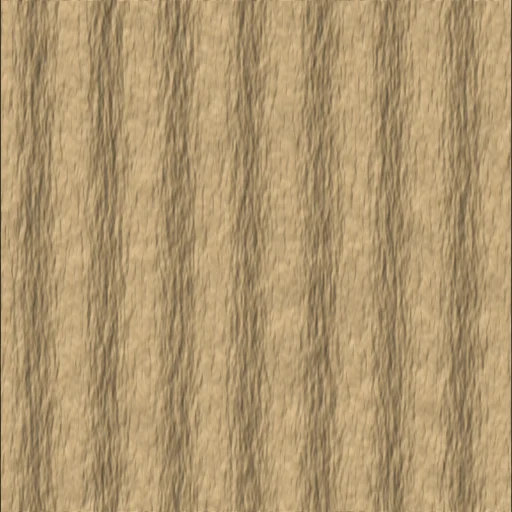
Corrugated cardboard fluting, natural kraft paper, crumpled parchment and rough watercolor tooth.
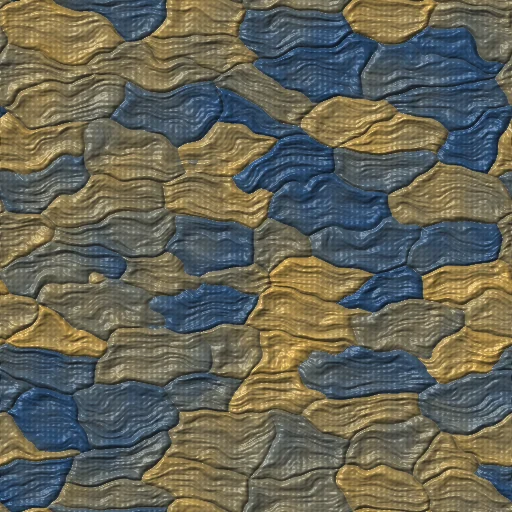
Thick impasto oil brushstrokes, cold-press watercolor washes, acrylic palette knife textures, and dusty chalkboards.
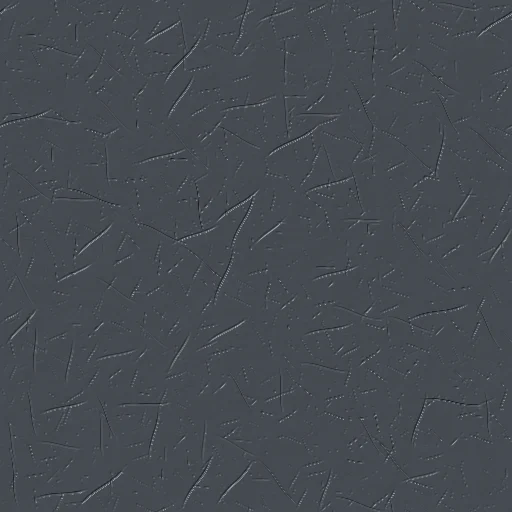
PBR surface imperfections: micro-scratches, fingerprint smudges, dust grime, water leak streaks, and wear masks.
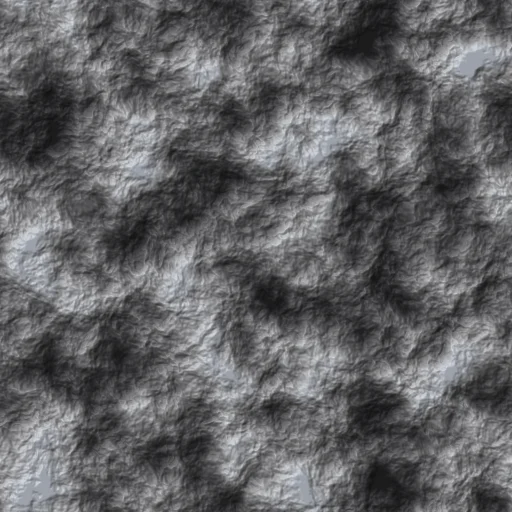
Tileable shader textures: Perlin/FBM clouds, Voronoi water caustics, domain-warped curl flow, manga halftones, and glitch grids.
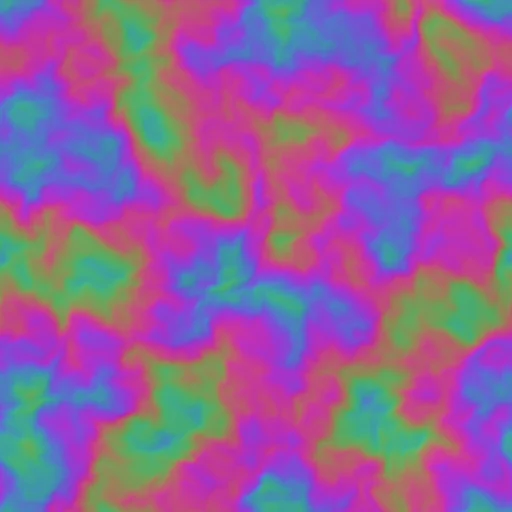
Liquid oil-slick rainbow interference, brushed holographic sticker foil, faceted prism shards, and mother-of-pearl nacre.
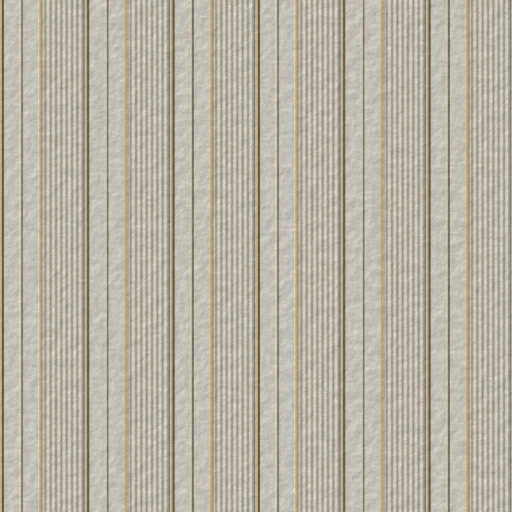
Classic Regency striped wallpaper, embossed Art Deco geometric wallcoverings, woven linen grasscloth, and Seigaiha ocean wave prints.
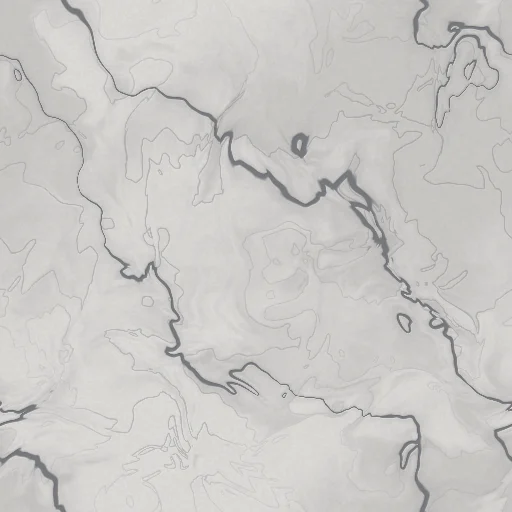
Carrara, Calacatta, Nero Marquina, Verde, Rosa and Emperador — directional or turbulent veins, polished slabs or tiles with grout.
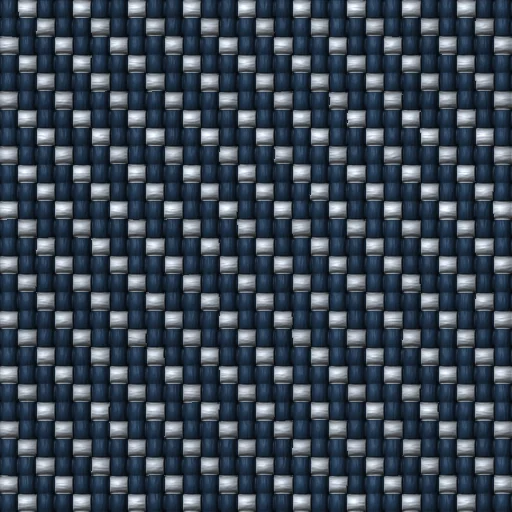
Denim twill, natural linen, cotton canvas, coarse burlap and fine silk — woven thread interlacing, cylindrical yarn profiles, fiber fuzz and drape folds.
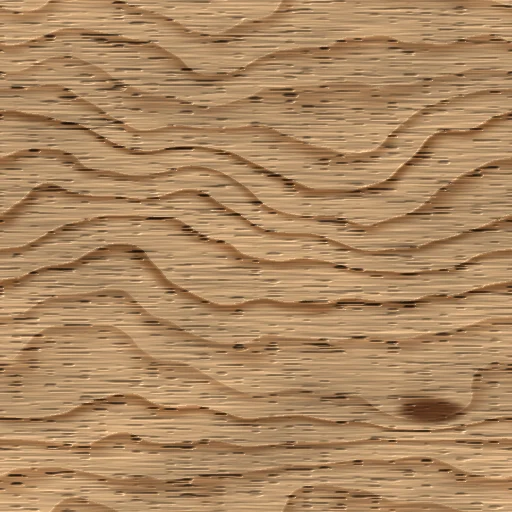
Oak, walnut, pine, cherry, maple, wenge and weathered boards — growth rings, cathedral figure, fibers, pores and knots.
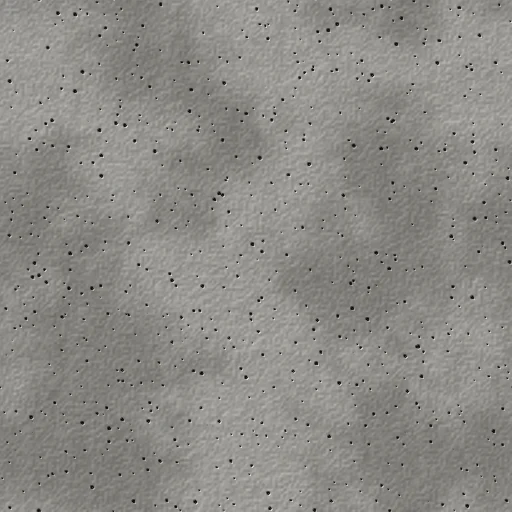
Smooth and board-formed concrete with tie holes, cracked concrete, exposed aggregate, asphalt and stucco plaster.
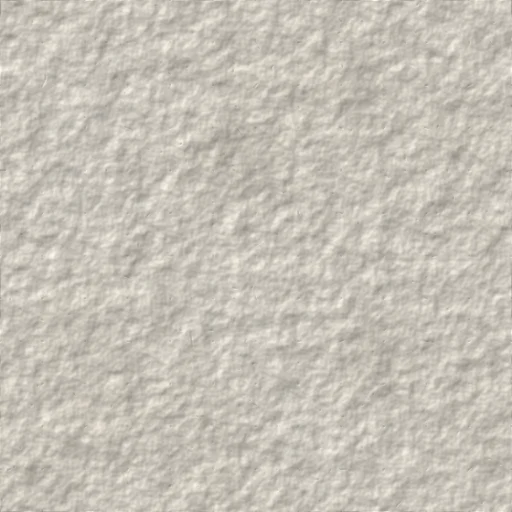
Smooth Venetian plaster with trowel sweeps, rough exterior stucco, painted drywall stipple and peeling distressed paint.
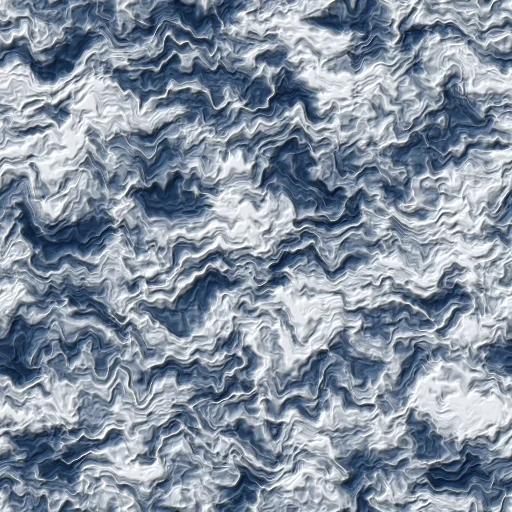
High-altitude cirrus clouds from space, cumulus day/sunset skies, cratered moon and planet surfaces, and cosmic starfield nebulae.
Export as Multiply Overlay for aged paper, kraft, or watercolor grain and set layer blend mode to Multiply (opacity 35–70%). For film dust & light leaks, export Screen Overlay and set blend mode to Screen.
Export Transparent PNG and drop directly over hero sections or cards at 15–30% opacity—or click Copy CSS to add subtle organic grain to any web container with zero heavy image requests.
Select 16:9 (4K Desktop) for full-bleed slide backgrounds, or choose Transparent PNG to layer organic paper grain on top of flat typography and brand gradients without needing blend-mode controls.
Choose Multiply Overlay for bright paper/canvas textures and set layer blend mode to Multiply. Choose Screen Overlay for dark grain and set blend mode to Screen. Or export Transparent PNG to drop directly onto Canva or PowerPoint slides without changing blend modes.
Yes. Every texture background, paper overlay, and CSS tile is synthesized procedurally on your local GPU via WebGL2 — no AI credits, no watermark, no signup, and royalty-free for commercial designs.
Yes. Pick 16:9 (3840×2160 4K), 9:16 (2160×3840 mobile/TikTok/IG Stories), 1:1 (2048×2048 seamless tile), or 4:5 (2048×2560 poster), or click Copy CSS for an instant repeating CSS background-image snippet.
Click AI Photoreal Enhance in the export panel to send your current lit texture as a Reference Image to our GPT-Image-2.5 AI generator for 100% organic, non-repeating photographic detail.