Pricing Dashboard

My Subscription

View and manage your current subscription plan and credit balance.

Current plan
Free No active subscription
Total credits
0 ✦
subscription 0
top-up 0
free 0
Buy Credits View plans Dashboard

Rate your experience

How would you rate NormalMap Online?

Request new features or report bugs:
crazytoolsteam@gmail.com
Your browser does not support WebGL. Some features may not work.
Try a Sample   ·   Upload Image   ·   AI Generate
U
V
Seamless Road Markings PBR material texture preview
Roads, Sidewalks, Plazas & Urban Infrastructure · Free 4K Seamless PBR

Free Road Markings Seamless PBR Texture Generator

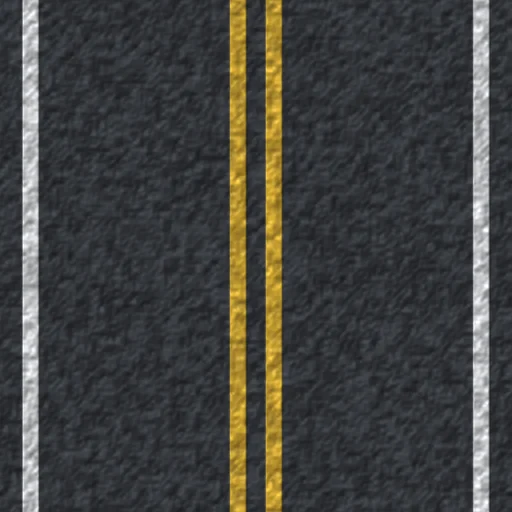
Double-yellow highway centerlines, urban zebra crosswalks, parking lot bay grids, and yellow/black rubber speed bumps.

Up to 4096×4096 PNG 100% Seamless Tileable OpenGL & DirectX Normal 10 Presets · 8 Controls Free · No AI Credits

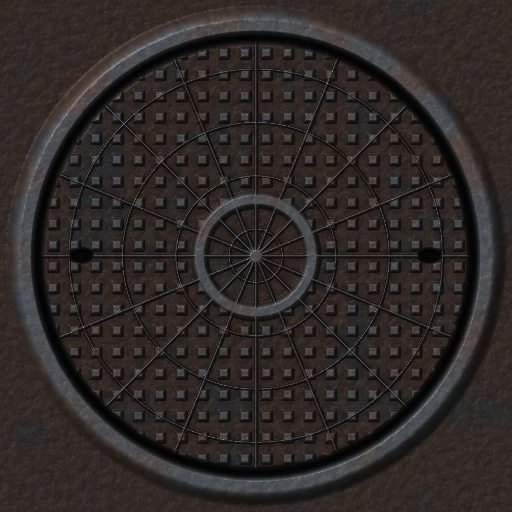
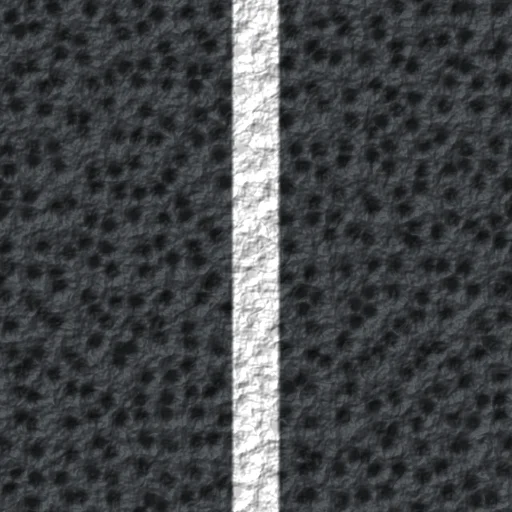
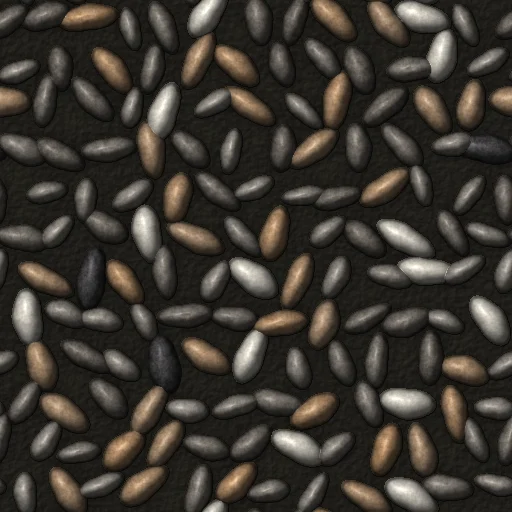
Included Road Markings Presets (10 Styles)

Click any preset below to load it immediately into the live WebGL2 generator above and export seamless maps up to 4K.

Customizable GPU Parameters

Fine-tune this procedural road markings shader in real time—every slider updates Base Color, Normal, Height, Roughness, and AO simultaneously:

  • Marking Type — Highway Center, Zebra Crosswalk, Parking Bays, Speed Bump
  • Marking Scale (adjustable 2 to 8)
  • Paint wear (adjustable 0 to 1)
  • Relief Depth (adjustable 0.2 to 1)
  • Roughness (adjustable 0.45 to 0.96)
  • Asphalt color (custom RGB color picker)
  • Primary Stripe (custom RGB color picker)
  • Accent Stripe (custom RGB color picker)

3D Engine Workflow & Use Cases

  • City streets, crosswalks, civic granite plazas, running tracks, and harbor boardwalks in urban sims and ArchViz
  • Modular road splines and street decals with weathered paint markings, manhole covers, and curb drainage
  • Autonomous-driving simulation environments and architectural masterplan renders
PBR Shader Tip: Combine the Height and Roughness maps to drive rain-puddle masks in Unreal Engine 5 or Blender so low spots turn mirror-glossy while high asphalt aggregate stays matte.

Direct Engine Exports: Switch the Output Target in the right sidebar to export ready-to-import ZIP packages for Unreal Engine 5 (ORM + DirectX), Unity HDRP/URP (MaskMap), Blender (with Python material setup script), Minecraft LabPBR, Roblox SurfaceAppearance, or 2D 4K Wallpapers.

Frequently Asked Questions — Road Markings PBR Texture

What maps are included when I download this Road Markings PBR texture?

Every export includes seamless Base Color (Albedo), Normal Map (selectable OpenGL Y+ for Blender/Unity/Three.js or DirectX Y- for Unreal Engine 5), 16-bit Height/Displacement, Roughness, Ambient Occlusion (AO), Metallic, and a channel-packed ORM map—plus dedicated presets for UE5, Unity HDRP MaskMap, Blender Python auto-setup, Minecraft LabPBR, Roblox, and 2D 4K wallpapers.

Which road markings styles and presets can I customize?

You can start from 10 built-in presets (Double Yellow Line, White Highway Lane, Zebra Crosswalk, Yellow Crosswalk, Parking Lot Bays, Garage Yellow Bays, Yellow Speed Bump, Worn Backroad, Wet Night Crossing, Red Fire Lane Bump) and fine-tune 8 real-time GPU parameters including Marking Type, Marking Scale, Paint wear, Relief Depth. Supported structural styles include Highway Center, Zebra Crosswalk, Parking Bays, Speed Bump.

Is this Road Markings texture really seamless and free for commercial projects?

Yes. All textures are synthesized mathematically on your local GPU via WebGL2 with periodic tiling enabled by default, guaranteeing zero visible seams at 512px, 1K, 2K, or 4K. Generation is 100% free, requires no AI credits or sign-up, and exported textures can be used in commercial 3D, ArchViz, game development, and graphic design projects.
Related Roads, Sidewalks, Plazas & Urban Infrastructure Textures