
Wood grain is one of the most common yet challenging materials to get right in 3D rendering. A poor wood texture can instantly ruin the realism of your scene. Whether you are texturing a hardwood floor, an antique cabinet, or a rustic cabin, you need a high-quality seamless wood grain texture.
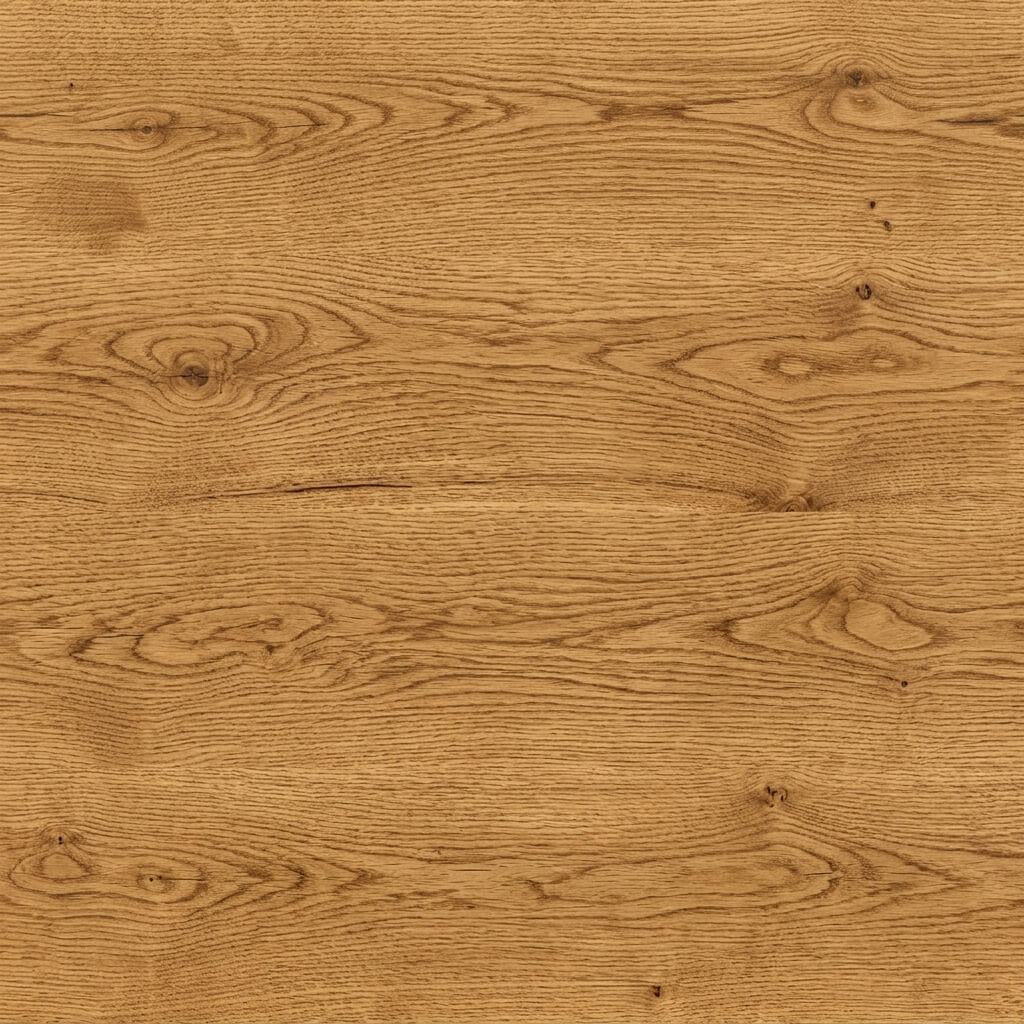
A flawless seamless wood grain texture ready for PBR workflows.
The Challenge with Wood Textures
Wood is organic, meaning its grain flows naturally. When you try to tile a photograph of wood, the abrupt cut off of the grain lines creates obvious, jarring seams.
To solve this, you need an advanced blending algorithm that can repair these structural cuts and balance the low-frequency color variations (like dark knots or sapwood areas).
How to Generate a Seamless Wood Grain Texture
Our 4K Seamless Texture Generator — Try Natural Oak Wood handles all the hard work for you. You can either upload your own photo or generate a brand new texture using AI.
Step 1: Upload or AI Generate
You can start by dropping a photograph of a wood plank into the web tool.
Alternatively, if you don’t have a good photo, switch to the AI Generate tab. Type a prompt like “high quality seamless oak wood grain texture, flat lighting”. For the most realistic organic details, we highly recommend selecting the Nano Banana series models. If you just want to quickly test different wood species, the Flux and Z-Image-Turbo models are incredibly fast for rapid prototyping.
Step 2: Remove Lighting (Optional)
If you uploaded a photo with uneven lighting or a strong camera flash, activate the Delight feature. PBR Albedo maps require flat, uniform lighting.
Step 3: Make it Seamless
Run the seamless algorithm. Adjust the Seam Width and Blend Strength to let the tool naturally merge the wood grain lines across the borders. For wood, adjusting the Patch Size can help break up obvious repeating knots.
Step 4: Generate Normal and Roughness Maps
A wood texture is nothing without its physical properties. Send your seamless image to the Normal Map Generator — Try Wood Grain Depth.
- Generate a Roughness map to define the matte finish of the wood versus polished varnish.
- Generate a Normal map to give physical depth to the deep grain lines and pores.