
For 3D environment artists building industrial scenes, alleys, or abandoned buildings, a cinder brick wall texture seamless pattern is an absolute essential.
While you can find many generic brick textures online, matching a specific artistic direction or replicating a real-world reference photo requires you to create your own seamless materials.
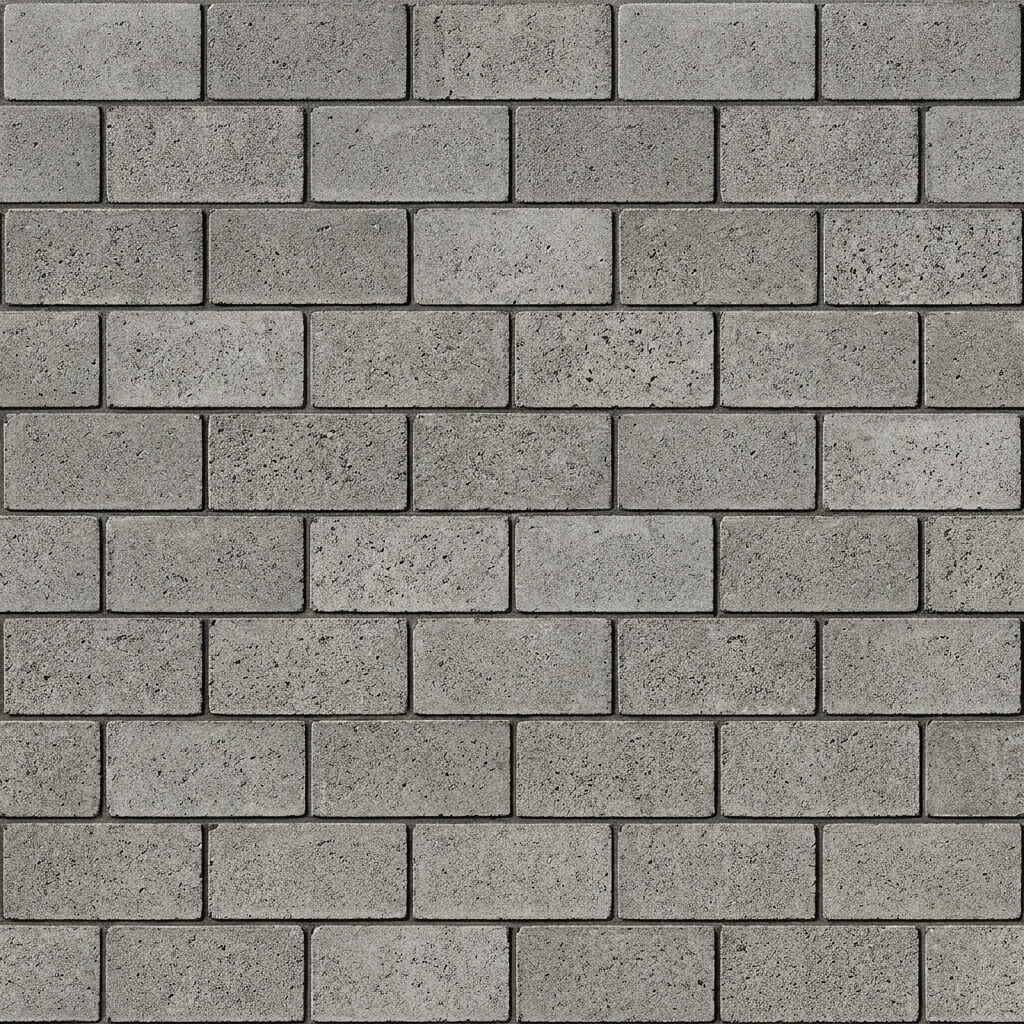
A cinder brick wall texture processed for perfect edge-to-edge tiling.
Why Brick Textures Are Hard to Make Seamless
Bricks are highly structured. Unlike grass or dirt, which are random noise, a brick wall has horizontal mortar lines. If the mortar lines on the left edge of your photo do not perfectly align with the mortar lines on the right edge, the tiled texture will look completely broken.
Traditional methods require manually cutting the image in half, swapping the sides, and painstakingly repainting the broken bricks in the center using Photoshop.
The One-Click Solution for Seamless Cinder Brick Walls
Our Seamless Cinder Brick Wall Texture Generator uses AI to automate this structural alignment.
Step 1: Upload or AI Generate Your Wall
You have two options. You can upload a reference photo (ensure it is relatively straight and cropped flat). Or, if you don’t have a good photo, use the AI Generate tab.
For highly structured materials like cinder blocks, we recommend the Nano Banana series models for perfect, photorealistic generation. You can use Flux or Z-Image-Turbo for rapid prototyping. Once generated, click “Send to Seamless”.
Step 3: Choose Your Tiling Method
For structured patterns like cinder blocks, the Blend / Merge mode often yields excellent results if the photo is already well-aligned. If the bricks are slightly offset, use the Advanced AI Patching mode, which will synthetically reconstruct the mortar joints to bridge the left and right sides together invisibly.
Step 4: Preview the Tiling
Always check the 3D preview viewport. Increase the tiling scale to 4x4. If you notice a specific brick stands out too much (like a very dark cinder block), it will create an obvious repeating pattern across your wall.
Step 5: Extract Normal and Displacement Maps
Cinder blocks are extremely rough and porous. To make them look realistic in Unity or Unreal Engine, you need depth. Transfer your new seamless image to the PBR Map Generator to extract a heavy Normal Map and an Ambient Occlusion (AO) map to deepen the shadows in the mortar joints.