
Whether you are building a brutalist architecture scene, an abandoned bunker, or an urban cityscape, a high-quality concrete texture seamless pattern is the foundation of your environment.
When scaling a concrete photograph across a massive wall in Unity or Unreal Engine, the most common issue is the “checkerboard effect.” Because concrete naturally has subtle stains and gradient lighting, tiling it makes these imperfections repeat in an obvious grid.
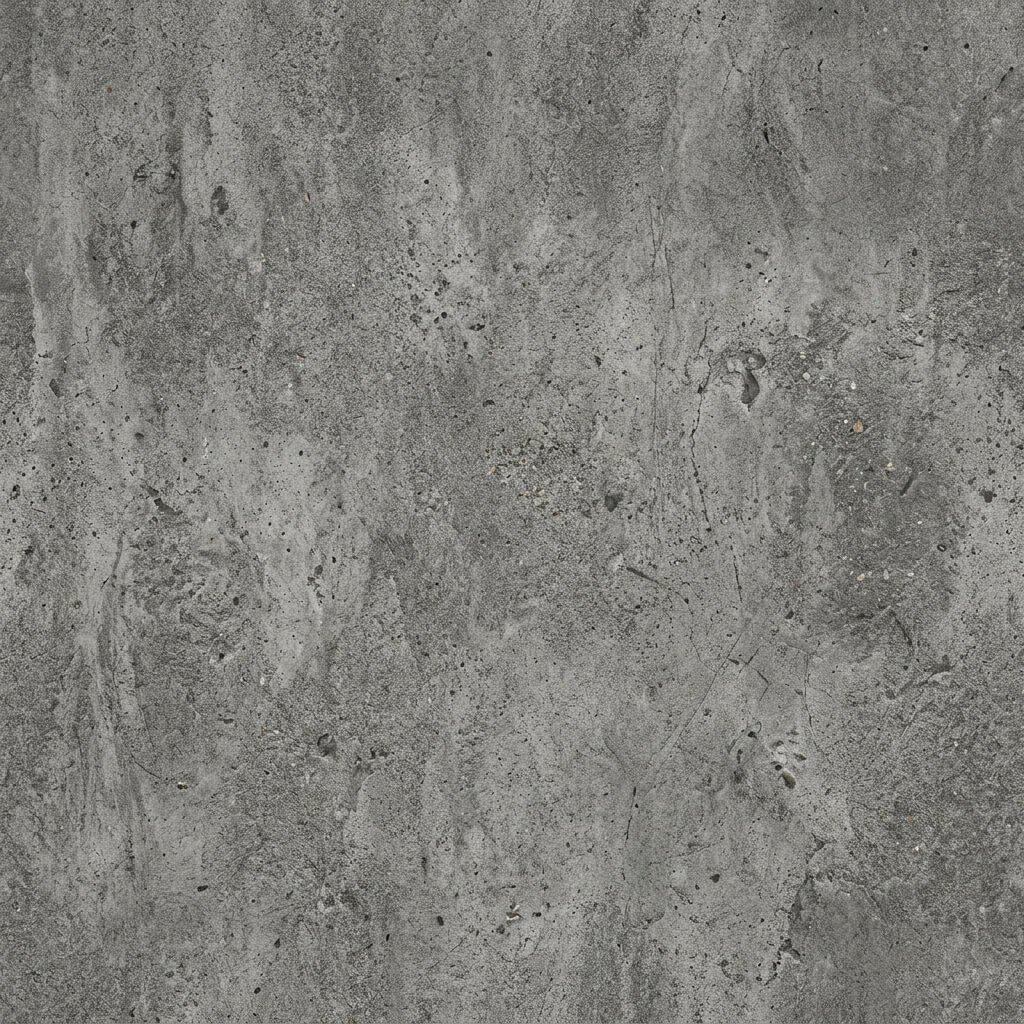
A concrete texture perfectly blended to tile infinitely without repeating light spots.
The Solution: Advanced Edge Blending
To create a proper seamless concrete texture, you need to equalize the lighting and blend the borders. Our free Seamless Concrete Texture Generator handles all the hard parts automatically: just upload a concrete photograph and it will balance the tonal range and create a perfectly tileable result.pload a flat, top-down photograph of a concrete surface, or use the AI Generate tab to create one from a prompt like “rough industrial concrete”.
If generating with AI, we strongly recommend the Nano Banana series models for the most realistic surface details. You can also use the Flux or Z-Image-Turbo models for rapid testing.
Step 2: Delight the Image
Turn on the Delight filter. This flattens the lighting gradient across the concrete, ensuring the left side isn’t darker than the right side.
Step 3: Run the Synthesize Algorithm
Click generate! For rough surfaces like concrete, the tool will use an AI algorithm to organically merge the grains and pores at the boundary, ensuring there is no visible seam.
Step 4: Extract PBR Maps
Concrete isn’t flat. Click the Send to Normal Map button to extract a high-fidelity Normal Map and Roughness Map to capture the grit and bumps of the concrete surface.