
Whether you are building a sprawling open-world landscape in Unreal Engine or rendering a massive architectural visualization in V-Ray, your 3D models require high-resolution surface materials. However, if you attempt to wrap a massive concrete wall using a standard photograph, the render engine will tile the image repeatedly, resulting in an ugly, obvious checkerboard grid.
To eliminate these harsh borders and create environments that look truly infinite, 3D artists rely on a texture seamless online generator to automatically synthesize boundaries and balance lighting.
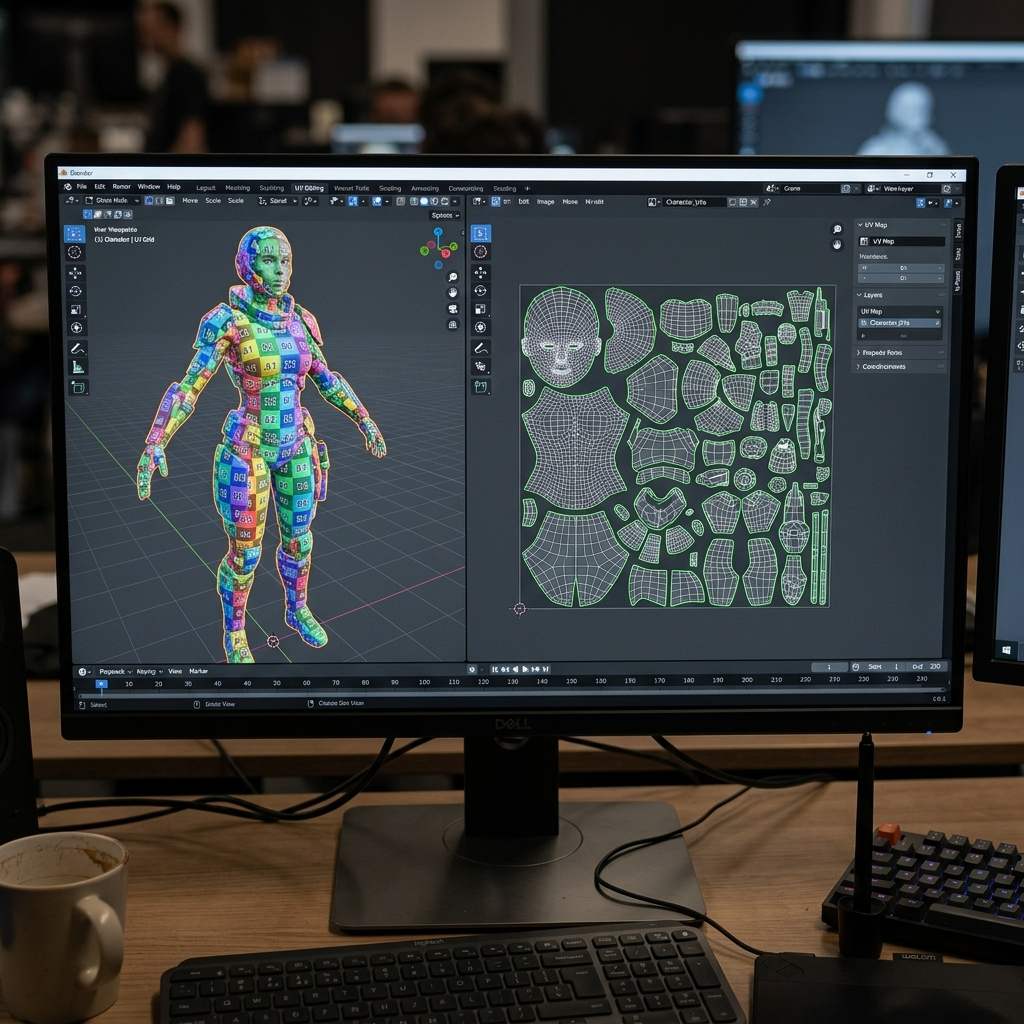 *A seamless texture generator intelligently blends the left edge of an image with its right edge, allowing it to repeat indefinitely without visible seams.*
The Core Challenge: Why Standard Photos Fail
A photograph is a finite capture of a specific area. It fails as a 3D tiling texture for two primary reasons:
- Geometric Mismatch: A crack that exits the right side of the photo at pixel height 500 does not re-enter the left side of the photo at pixel height 500. When placed side-by-side, the crack is abruptly cut off.
- Illumination Gradients (The Light/Dark Issue): If the sun was illuminating the left side of the photograph more than the right, tiling the image will create a harsh, repeating vertical stripe of light and shadow across your entire 3D mesh.
Step-by-Step: How the Online Generator Works
A modern texture seamless online generator uses advanced computational photography and AI algorithms to solve both issues simultaneously.
1. Photometric Delighting
Before modifying any geometry, the generator must equalize the light. You upload your photo, and the algorithm analyzes the low-frequency illumination gradient across the canvas. It digitally flattens the exposure, stripping away cast shadows and bright hotspots, resulting in a pure, neutral Albedo map.
2. Edge Synthesis and Patching
Once the lighting is flat, the generator analyzes the content (e.g., grass blades, brick mortar, or fabric weave). It seamlessly blends the right edge into the left edge, and the top edge into the bottom edge. For complex organic textures, structure-aware patch inpainting ensures that the transition zone doesn’t look blurry or smeared.
3. PBR Extraction
A flat seamless image is useless for modern rendering without physical depth. The generator parses the finalized seamless image and extracts mathematical data, outputting synchronized Normal, Height, Roughness, and Ambient Occlusion maps.
Tiling Troubleshooting Table
If your newly generated material still looks strange when applied to a large 3D mesh, check this diagnostic matrix:
| Symptom (现象/报错) | Primary Cause (根本原因) | Immediate Solution (快速解决方案) |
|---|---|---|
| Visible repeating light/dark blotches | Un-delighted source photo | Ensure the Delight filter was activated before generating the seamless pattern. |
| Texture looks heavily stretched | UV Map scale mismatch | Apply the scale of your 3D object and adjust the tiling/mapping node in your shader. |
| Blurry transition zone in the center | Blend margin is too wide | Reduce the edge-blend margin parameter if the tool provides one, preserving more original detail. |
Build Your Seamless Library Instantly
Stop wasting hours manually cloning out seams in Photoshop using the archaic Offset filter.
If you need to rapidly generate production-ready, infinitely repeating materials, power up your pipeline with our Free Online Seamless Texture Generator — Try Procedural Bark. You can also extract physical depth data from your new materials using our Normal Map and PBR Generator Online.
Related reading: The Ultimate Guide to Using a Seamless Texture in 3D · Make Image Seamless Online · What is a Tileable Texture?