
Whether you are rendering a sleek industrial kitchen, a sci-fi spaceship corridor, or heavy construction machinery, steel is an unavoidable material in 3D visualization. However, creating a convincing steel surface is notoriously difficult. If the reflections are too perfect, it looks like a cheap plastic mirror; if it’s too rough, it looks like dull gray concrete.
Achieving photorealism requires utilizing a high-quality steel texture seamless map and configuring a PBR (Physically Based Rendering) shader to handle anisotropic reflections and microscopic surface wear.
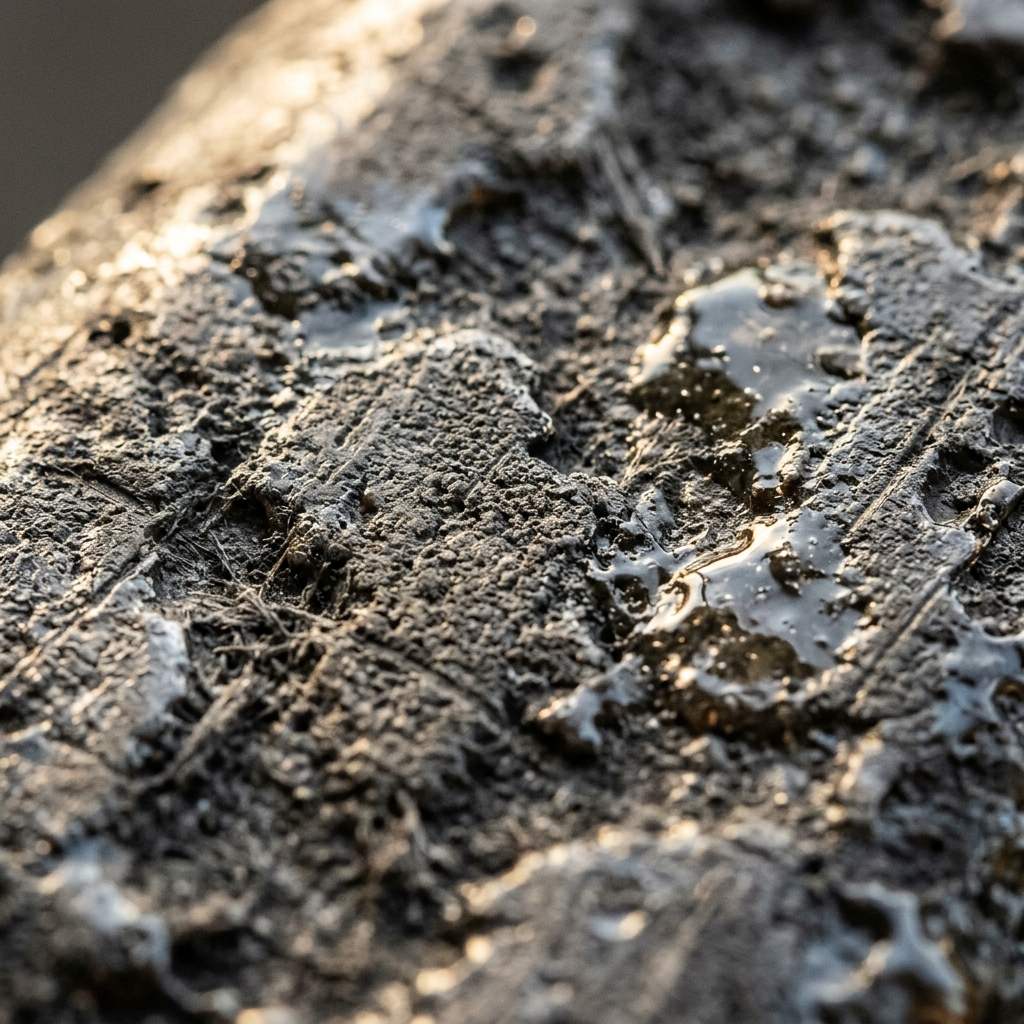 *A photorealistic steel material relies heavily on a seamless roughness map to break up the specular highlights.*
Why Seamless Textures are Critical for Steel
You cannot simply set a material color to gray and turn up the “Metallic” slider. Real-world steel is manufactured in massive sheets and coils, and the manufacturing processes—like hot rolling, cold rolling, or wire brushing—leave distinct, continuous patterns on the surface.
When you apply a steel material to a large 3D object, like an architectural I-beam or a refrigerator door, the brushing patterns or manufacturing marks must flow continuously across the surface. This is why you must use a mathematically tileable, seamless texture. If the image isn’t seamless, you will see a repeating checkerboard grid of scratches that instantly destroys the illusion of heavy metal.
Top 3 Styles of Seamless Steel Textures
Not all steel is the same. Your 3D library should include these three essential variations:
1. Brushed Stainless Steel
The standard for modern appliances, elevators, and clean industrial design. This texture features millions of microscopic, parallel scratches. The roughness map must be highly detailed to create the iconic stretched highlight (anisotropy) across the metal.
- Best Use Case: Kitchen ArchViz, sci-fi panels, and medical equipment.
2. Galvanized Steel
Characterized by its chaotic, crystalline “spangle” pattern created during the zinc-dipping process. The seamless map here relies on stark contrast in the roughness map, as some crystals are highly reflective while adjacent ones are entirely matte.
- Best Use Case: HVAC ductwork, street lamps, and industrial roofing.
3. Hot Rolled Carbon Steel
A raw, dark, and heavy material. It lacks the shiny polish of stainless steel and instead features a mottled, bluish-gray “mill scale” surface. The seamless texture requires a subtle normal map to simulate the slightly bumpy, unrefined surface.
- Best Use Case: Heavy machinery, industrial lofts, and steampunk assets.
PBR Setup for Stainless Steel
To correctly render a brushed steel seamless texture in software like Blender or V-Ray, use these strict PBR baseline settings:
| Parameter (参数) | Value (建议值) | Technical Rationale (物理渲染原理) |
|---|---|---|
| Base Color / Albedo | Hex #A8A8A8 | Pure steel is actually quite bright. Avoid making the base color too dark. |
| Metallic | 1.0 | Steel is a pure conductor. The metallic slider must be exactly 1.0. |
| Roughness | 0.15 - 0.40 | Plug your seamless scratch map here to create blurry, realistic reflections. |
| Anisotropy | 0.6 - 0.9 | Essential for brushed steel. It mathematically stretches the light across the brush marks. |
Generating Custom Metal Finishes
Finding the exact brushing pattern, rust level, or specific spangle size for a bespoke industrial render is often difficult using standard texture packs.
If you need to rapidly generate a custom, non-repeating metal finish, power up your pipeline with our Free Online Normal Map and PBR Generator — Try Scratched Steel. You can also generate perfectly tileable, clean brushed panels using our Seamless Texture Generator Online.
Related reading: Top 10 Dark Bronze Texture Seamless Downloads · How to Add Rough Texture in Blender · What is a Tileable Texture?