
In interior design rendering, soft furnishings like carpets and rugs add warmth and realism to a scene. However, scaling a small fabric photo across a large floor often creates an ugly grid pattern. You need a rug texture seamless map to maintain the illusion of continuous fabric.
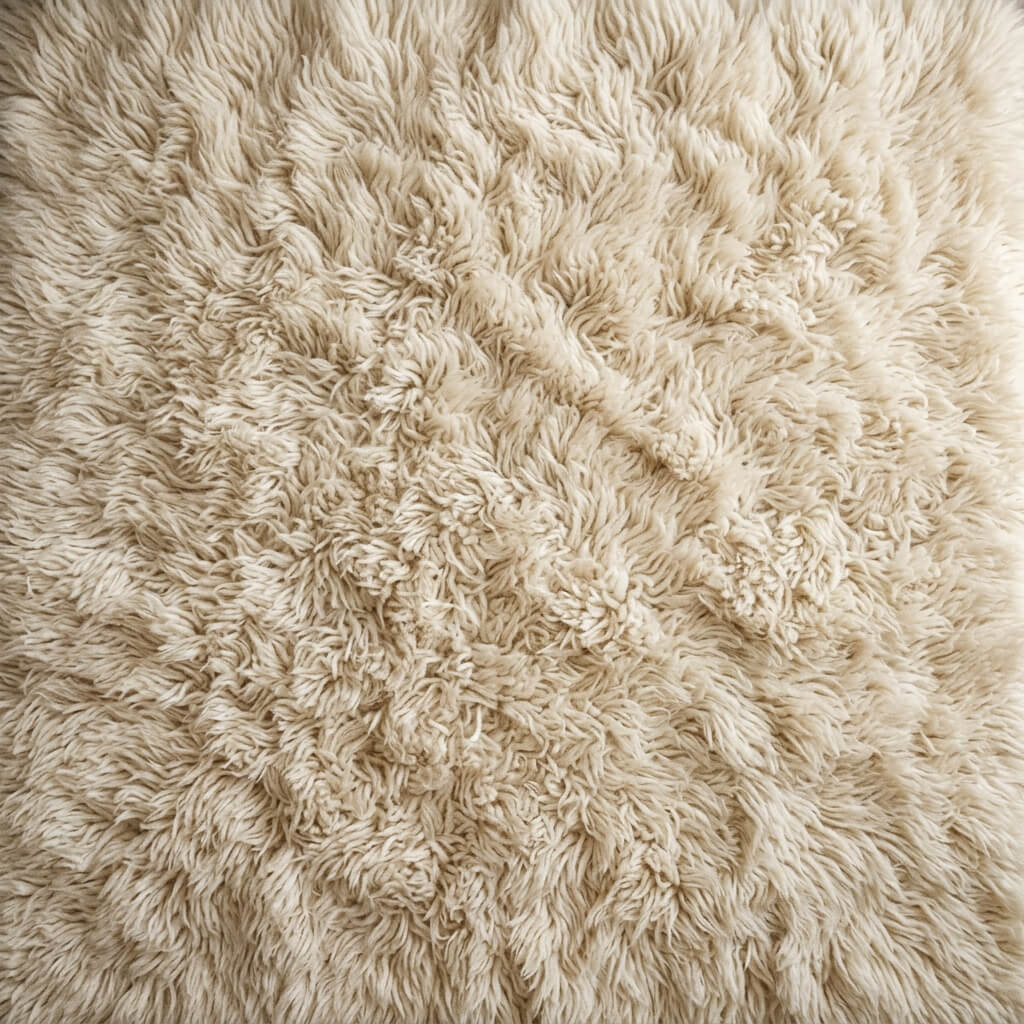
A seamlessly tiled rug texture, perfect for ArchViz floors.
Why Rug Textures Fail to Tile
Carpets and rugs have directional fibers and uneven lighting. If you take a picture of a rug, the light coming from the window will make one side brighter. Tiling this image results in a repeating stripe effect.
Making a Tileable Rug Texture
You can fix this instantly in your browser using our 4K Seamless Texture Generator — Try Woven Rug Fabric.
Step 1: Upload or AI Generate the Fabric
You can drag a top-down picture of your carpet or fabric sample into the generator.
If you prefer to generate one from scratch, use the AI Generate tab. For intricate, fluffy fabrics like rugs, the Nano Banana series models excel at rendering individual threads and fibers photorealistically. You can also test different fabric colors rapidly using the Flux or Z-Image-Turbo models.
Step 2: Eliminate the Lighting Gradients
Turn on the Delight feature. This will analyze the shadows between the fibers and equalize the overall brightness of the image, ensuring a perfectly flat base color map.
Step 3: Blend the Fibers
Click generate. The AI will weave the microscopic fibers of the rug’s borders together. Because carpets are highly noisy and organic, the resulting seamless texture will tile flawlessly across any massive 3D floor plane. To give your carpet plush tactile depth in 3D scenes, extract matching micro-fiber normal maps using our Online Normal Map Generator — Try Carpet Weave.