
Terrazzo floors are a staple of high-end modern architectural visualization. The unique scattered marble chips set in cement look beautiful, but they present a massive challenge when creating a seamless terrazzo texture.
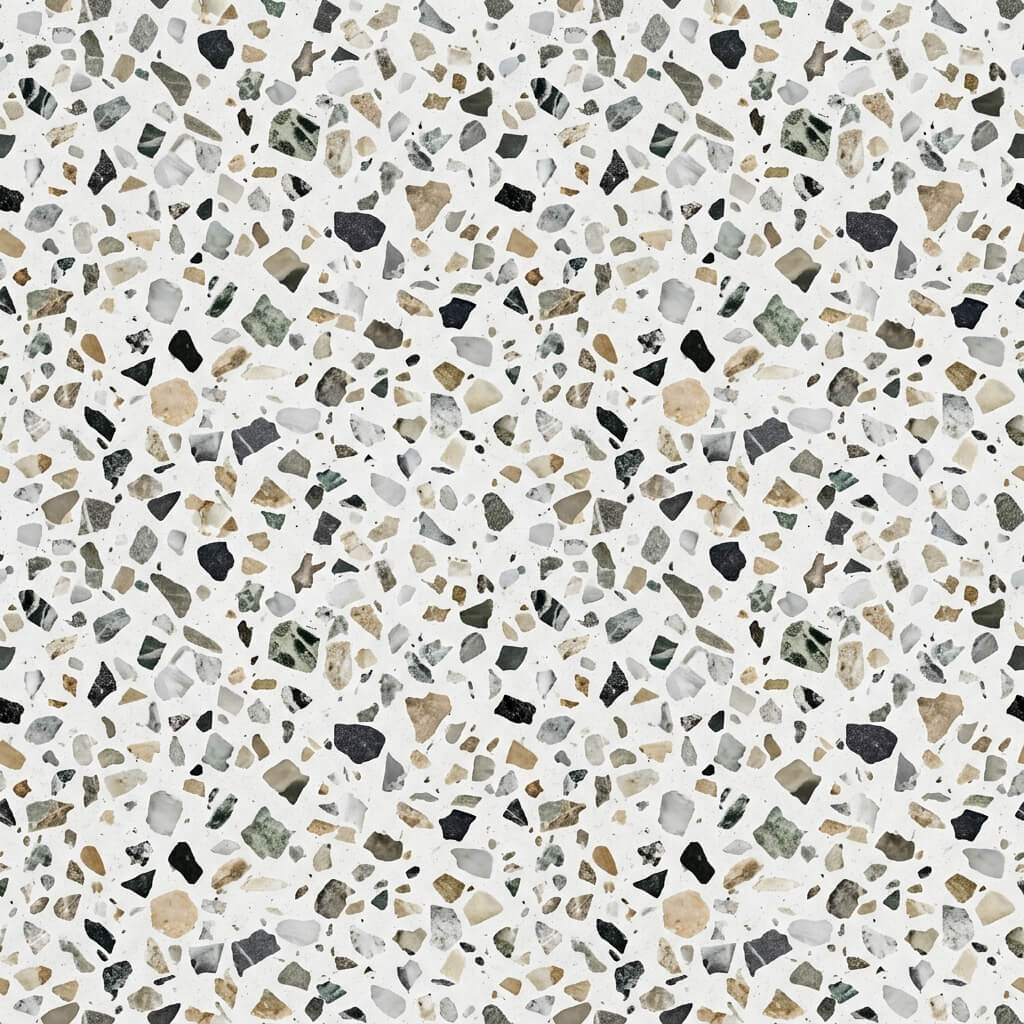
A seamless terrazzo texture with preserved, uncut marble chips.
The Challenge of Tiling Terrazzo
If you try to use simple mirroring or basic Photoshop offset filters to make terrazzo seamless, you will inevitably slice the little marble stones in half at the seams. This creates unnatural, straight-edged rocks that instantly break the realism of your ArchViz render.
The AI Patching Solution
Our Seamless Texture Generator — Try Venetian Terrazzo solves the “cut stone” problem using advanced content-aware patching algorithms.
Step 1: Upload or AI Generate the Source Image
You can upload a photograph of an existing terrazzo, limestone, or granite surface.
Alternatively, if you want a custom chip pattern or color scheme, use the AI Generate tab. The Nano Banana series models are highly recommended here, as they can perfectly render the sharp edges of the marble chips without blurring. Flux and Z-Image-Turbo models are also available for quick layout testing. Once ready, click “Send to Seamless”.
Step 2: Use Advanced Patching
When generating the tileable texture, the tool analyzes the high-frequency details (the marble chips) and intelligently re-distributes them along the border. Instead of slicing a rock in half, it will dynamically blend the cement around the stones, keeping the shapes organic and whole.
Step 3: Extract PBR Maps
Terrazzo is typically polished flat, but the marble chips often reflect light differently than the cement base. Send your new seamless texture to the PBR Map Generator — Try Terrazzo Finish to extract a custom Roughness Map that makes the stones shiny and the cement matte.