
Whether you are building a vast desert landscape, a muddy trench, or a dry riverbed, organic ground materials are the foundation of any 3D environment. To cover large terrain meshes without obvious repeating patterns, you need an ultra-realistic seamless dirt and sand texture.
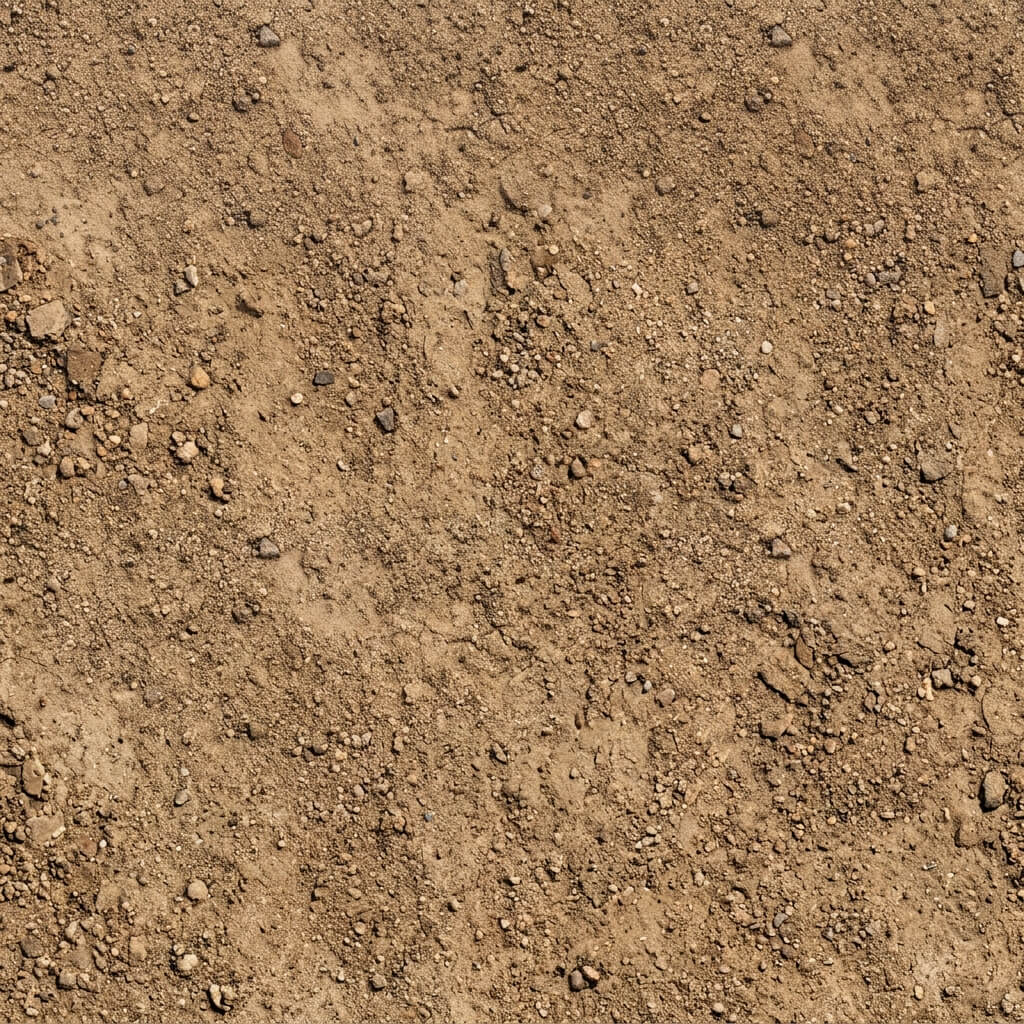
A highly detailed seamless dirt and sand texture ready for terrain mapping.
The Tiling Problem with Organic Ground
Dirt and sand are full of low-frequency variations—large dark patches of moisture, varying soil colors, and scattered rocks. When you tile these textures, the human eye instantly spots the repeating dark and light blobs, destroying the immersion of your environment.
How to Generate a Seamless Dirt and Sand Texture
Our 4K Seamless Texture Generator — Try Dirt & Sand uses advanced low-frequency balancing to eliminate the “grid” effect on large terrains.
Step 1: Upload or AI Generate
You can upload a top-down photograph of the ground you want to replicate.
Alternatively, use the AI Generate tab to conjure the perfect terrain from scratch. Try a prompt like “dry dirt and sandy ground texture with small pebbles, top-down view”. For highly realistic organic soil details, we recommend the Nano Banana series models. If you are just experimenting with different biomes, the Flux and Z-Image-Turbo models provide rapid generation speeds.
Step 2: Remove Shadows
If your photo contains harsh shadows from rocks or deep cracks, use the Delight feature. PBR rendering relies on the game engine to calculate shadows dynamically based on the Normal and Height maps.
Step 3: Make it Seamless
Run the seamless algorithm. Pay special attention to the Low-Frequency Balance slider. Increasing this value will equalize the large dark and light areas of your sand, ensuring that when the texture is tiled 100 times across your landscape, no repeating grid patterns are visible.
Step 4: Add Physical Depth
Send your seamless Albedo map to the Normal Map Generator — Try Soil Ground.
- Generate a strong Normal map and Height/Displacement map. Sand and dirt require heavy displacement to look realistic in a 3D engine.
- Generate a Roughness map to define the dry, non-reflective nature of the soil.