
3D fashion design tools like Marvelous Designer and CLO3D rely heavily on high-quality fabric textures to make digital garments look realistic. While solid fabrics like cotton are easy to tile, complex open-work fabrics present a massive challenge. To create realistic sweaters, stockings, or mesh sportswear, you need a flawless seamless fish net and knit texture.
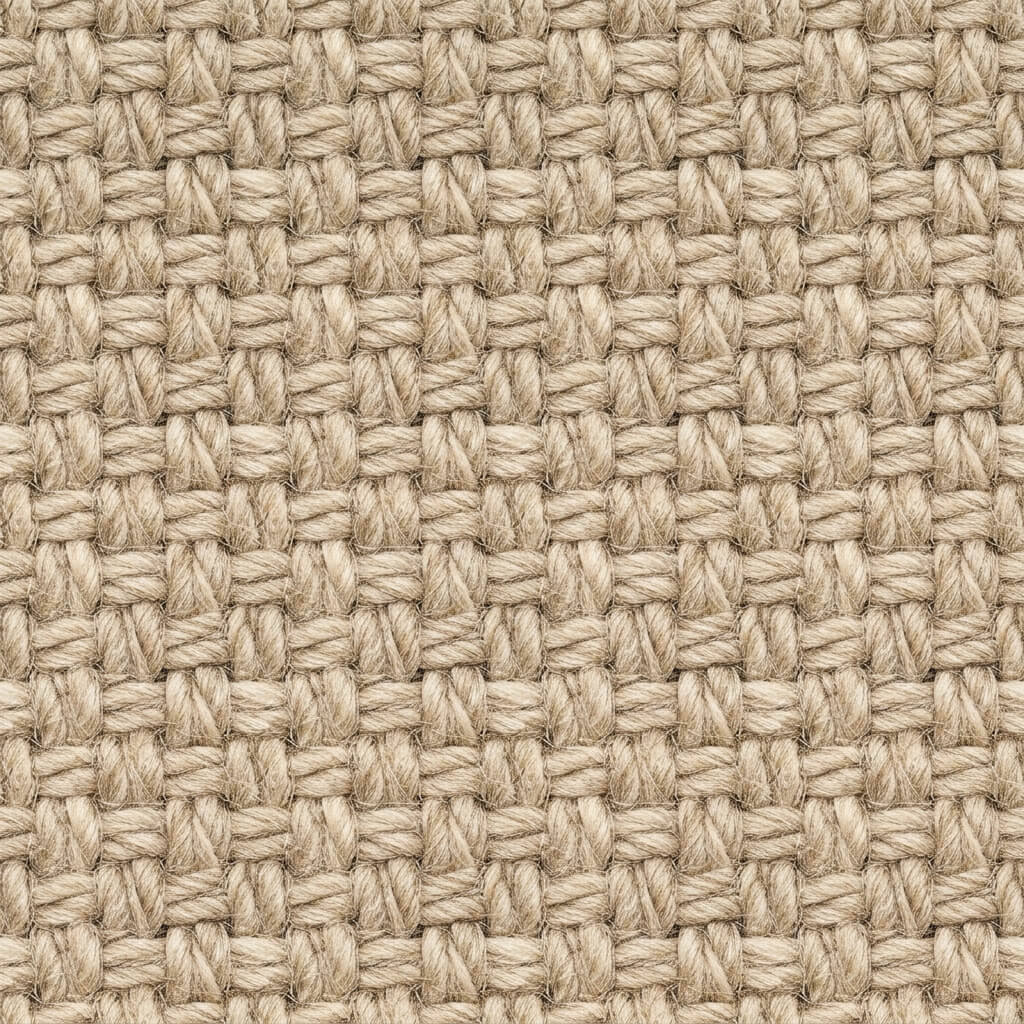
A perfectly tileable seamless knit fabric texture ready for 3D garment rendering.
The Challenge of Open-Work Fabrics
Knitwear and fish nets are characterized by repeating geometric grids of yarn and empty space. If your base image isn’t perfectly aligned, tiling it will result in broken threads and misaligned holes, instantly ruining the illusion of a continuous woven garment.
Additionally, rendering these materials correctly requires a precise Alpha (Transparency) map to punch holes through the fabric mesh.
How to Generate Seamless Knit and Net Textures
Our 4K Seamless Fish Net and Knit Texture Generator is perfect for digital fashion designers. It can perfectly align the diamond or hexagonal mesh grid at every edge, creating a flawless infinite knit pattern. You can start by taking a macro photograph of a sweater or fishnet fabric and dragging it into the web tool.
Alternatively, use the AI Generate tab to create custom fabrics. Try a prompt like “macro photography of seamless open work knit fabric texture, perfectly tileable”. For intricate textile patterns and yarn details, the Nano Banana series models are the absolute best choice. If you just need a quick placeholder fabric, the Flux and Z-Image-Turbo models provide ultra-fast generation.
Step 2: Make it Seamless
Run the seamless algorithm. The Structural Patch Repair feature is vital here—it analyzes the geometric flow of the yarn and ensures that the threads connect flawlessly across the image boundaries, repairing any broken loops.
Step 3: Generate Alpha and Normal Maps
To make the fabric look real in Marvelous Designer or Unreal Engine, send your seamless fabric to the Normal Map Generator.
- Alpha/Transparency Map: Use the Transparent PNG Generator to easily knock out the dark background holes, leaving only the yarn.
- Normal Map: Generate a strong Normal map to give the individual yarn threads a rounded, 3D cylindrical appearance.
- Roughness Map: Yarn is highly diffuse. Set your roughness high to prevent the fabric from looking like shiny plastic.