
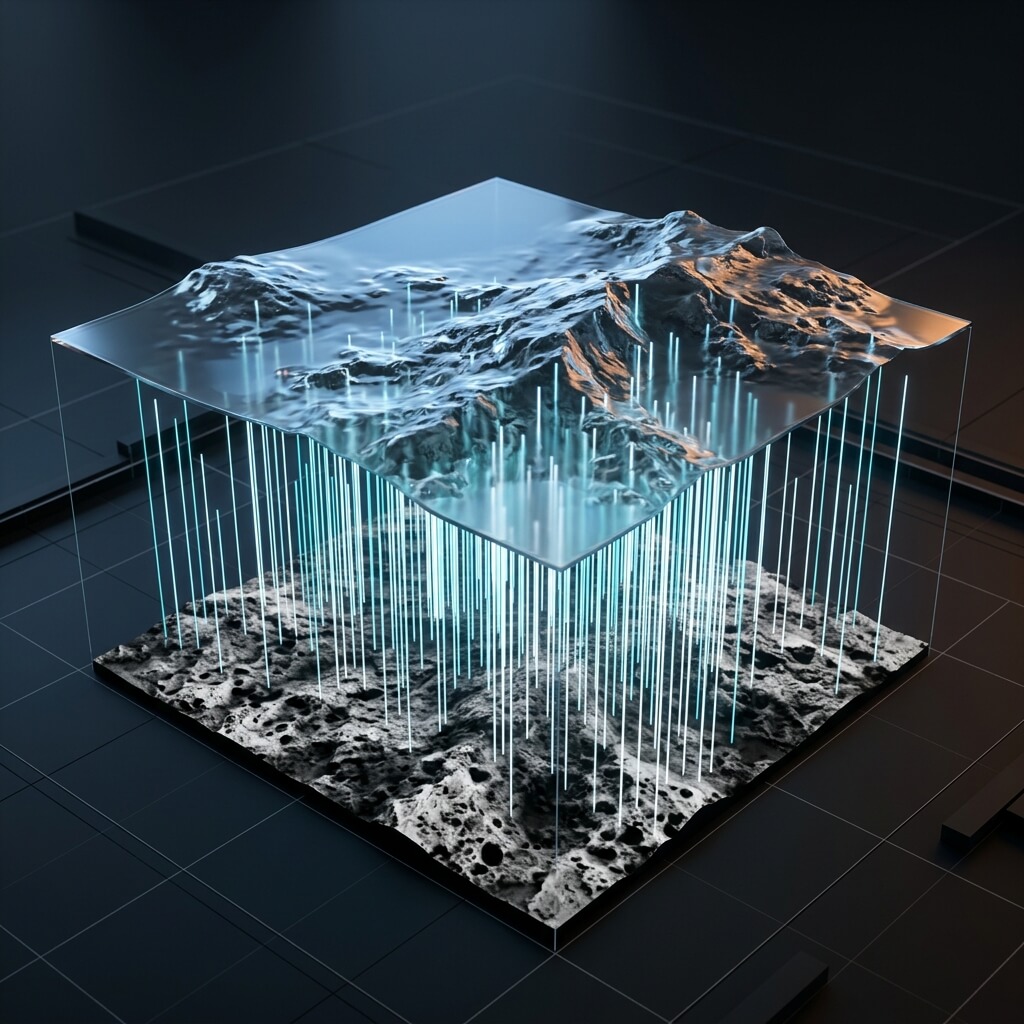
A visual representation of how bump maps simulate vertical depth on a flat plane.
Modern Physically Based Rendering (PBR) workflows lean heavily toward normal mapping, but older rendering engines, architectural visualization tools, and mobile shaders often require a grayscale bump map. Our web tool natively supports this pipeline, serving as a fast, browser-based bump map generator.
What is a Bump Texture Generator?
A bump map generator (or bump texture generator) processes a standard color input (such as an Albedo or Diffuse map) and extracts its relative height information into a single-channel grayscale texture.
The shader translates these grayscale values as vertical displacement:
- White pixels indicate peak heights.
- Black pixels indicate crevices, cracks, or valleys.
- Gray tones represent slopes and smooth vertical transitions.
Bump Maps vs. Normal Maps
While a normal map uses RGB channels to specify exact 3D surface direction (vectors), a bump map only calculates height (up/down values). You can read about how this vertical height data works in our Height Map Guide.
Because they contain only a single channel of data, bump maps are easy to edit in Photoshop and require less memory. However, they lack the multi-directional light interaction accuracy of a true normal map.
How to Generate a Bump Map Online
You do not need heavy desktop software to generate elevation maps. Our Free Online Generator computes height vectors directly in your browser.
When you drop a file into our tool, it calculates normal vectors and height values concurrently. In modern shaders, a “Height Map”, “Displacement Map”, and “Bump Map” are format-identical (grayscale maps)—they differ only in how the engine’s shader interprets them.
Steps to use the generator:
- Drag and drop your image into the workspace.
- In the center preview controls, select the Displacement tab.
- Fine-tune the Level (contrast) and Blur sliders to control the sharpness of your height map peaks.
- Export the resulting grayscale PNG and load it into your material’s
BumporHeightinput slot.
Whether you are using an older rendering engine or driving a complex parallax occlusion shader, our bump texture generator provides the clean, high-contrast elevation data you need.